 PalmPay
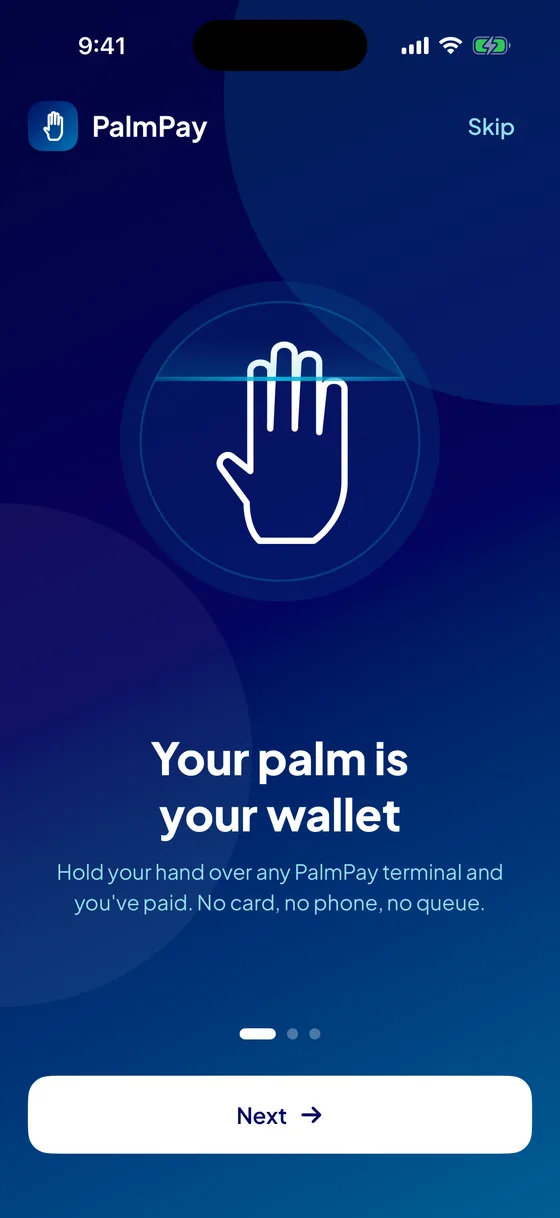
Your palm is your wallet.
Hold your palm over the counter and you've paid. No card, no phone, no queue. PalmPay is the wallet, the terminal and the platform that makes it work.
- Infrared palm-vein matching
- Every rupee on a double-entry ledger
- Keeps working when the internet doesn't
Three steps. The last one is your hand.
Enrol once, at any PalmPay counter. Every terminal on the network knows your palm within seconds.
Open a wallet
Sign up in the PalmPay app with your mobile number and a password, then add money with UPI or a card through Razorpay.
Link your palm, once
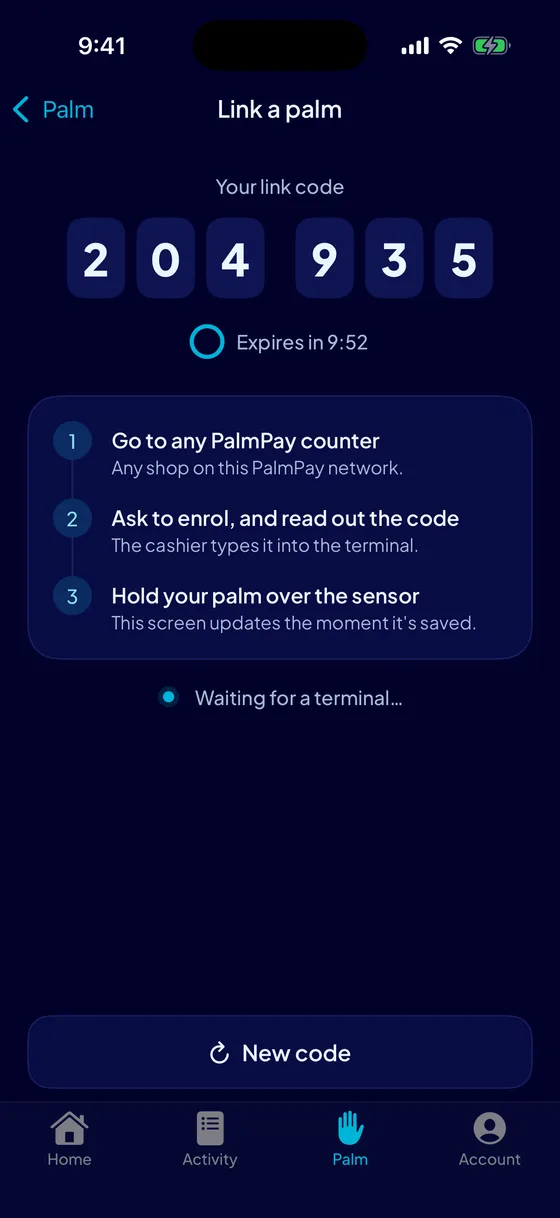
Tap Link a palm and read the six-digit code out at any counter. The terminal captures each hand five times and keeps the most consistent.
Hold it over the terminal
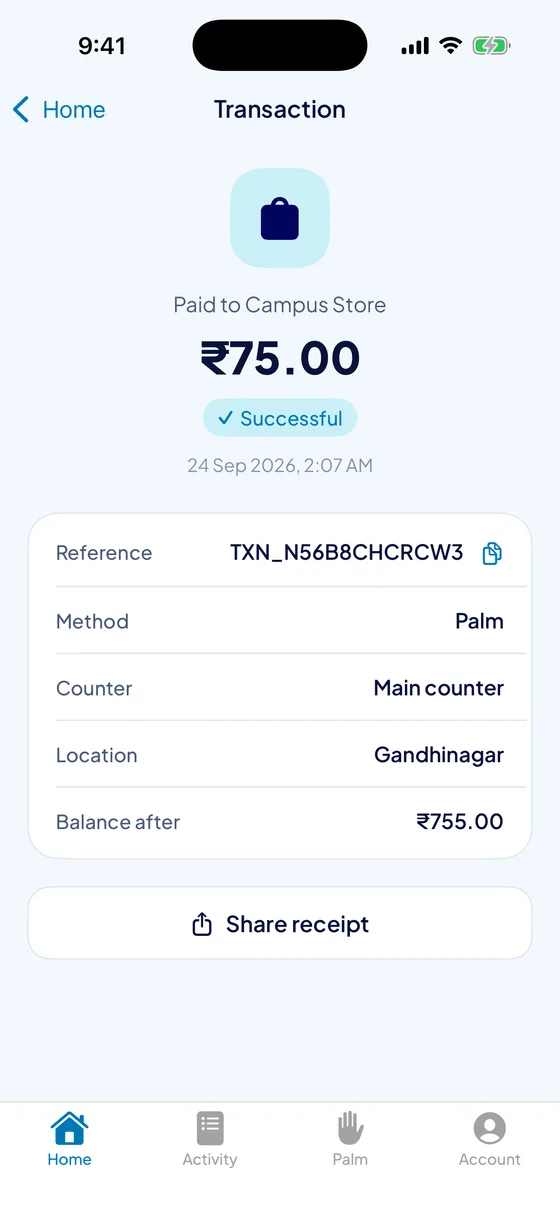
The cashier keys the amount, you hold out your hand, and it's paid. The payment slides into your app before you've put your phone away.
Your money, and your palm, in your pocket.
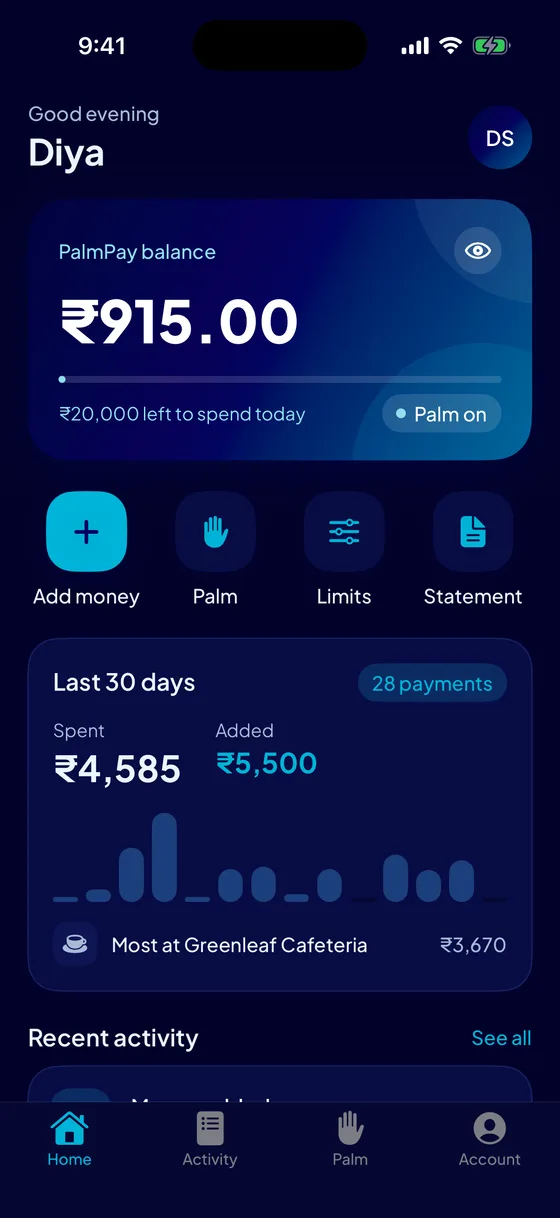
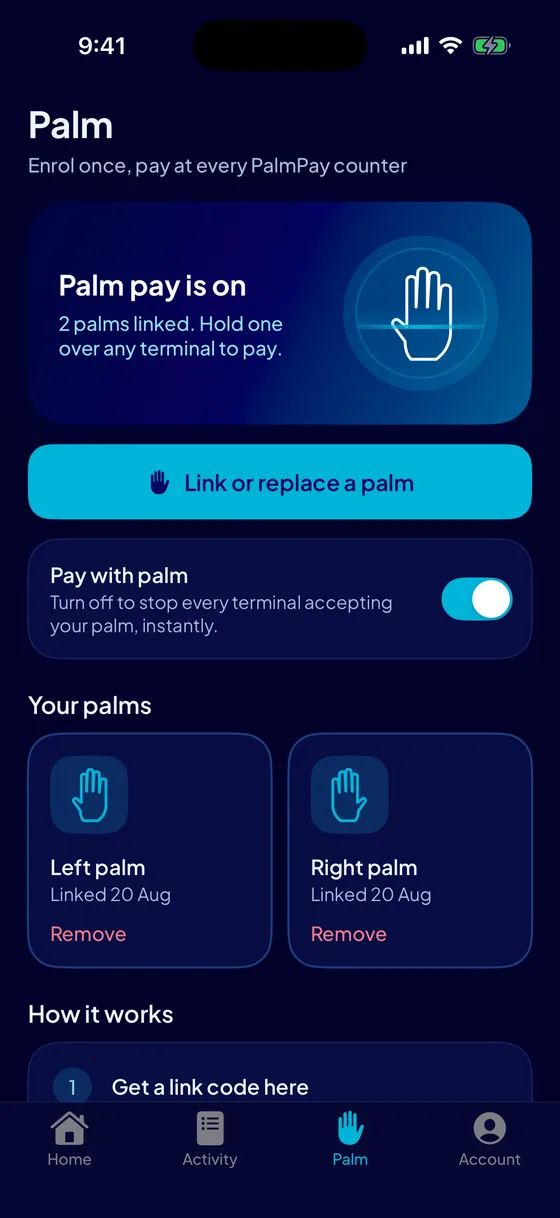
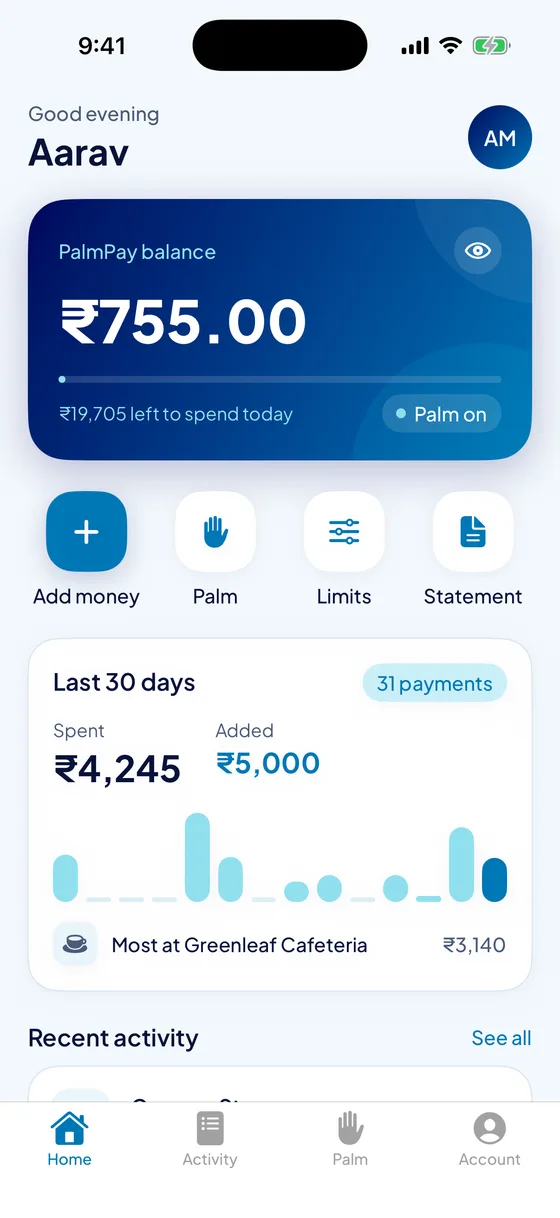
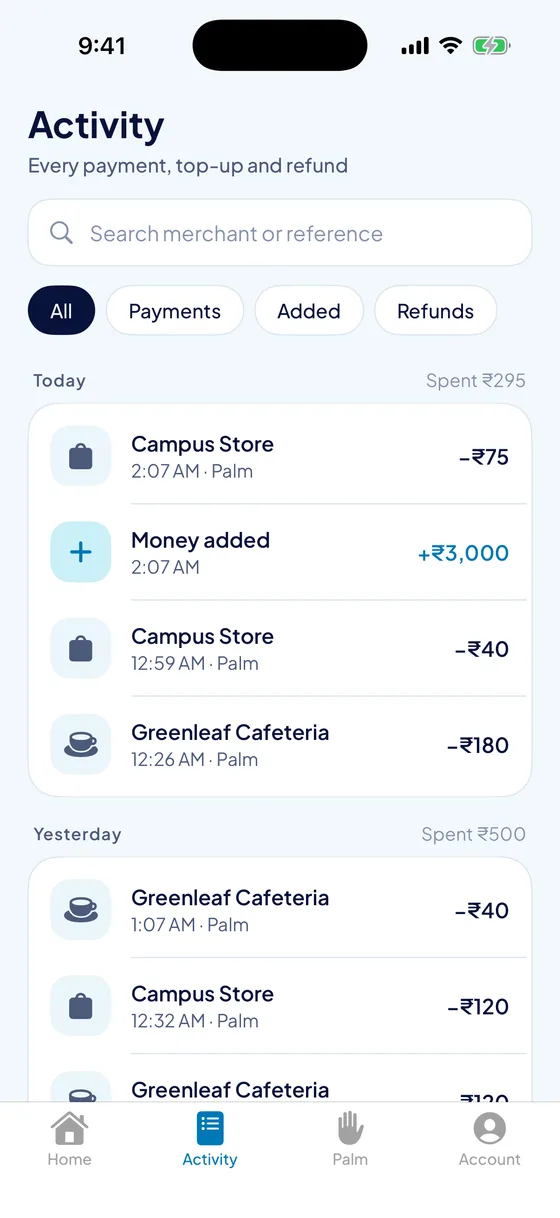
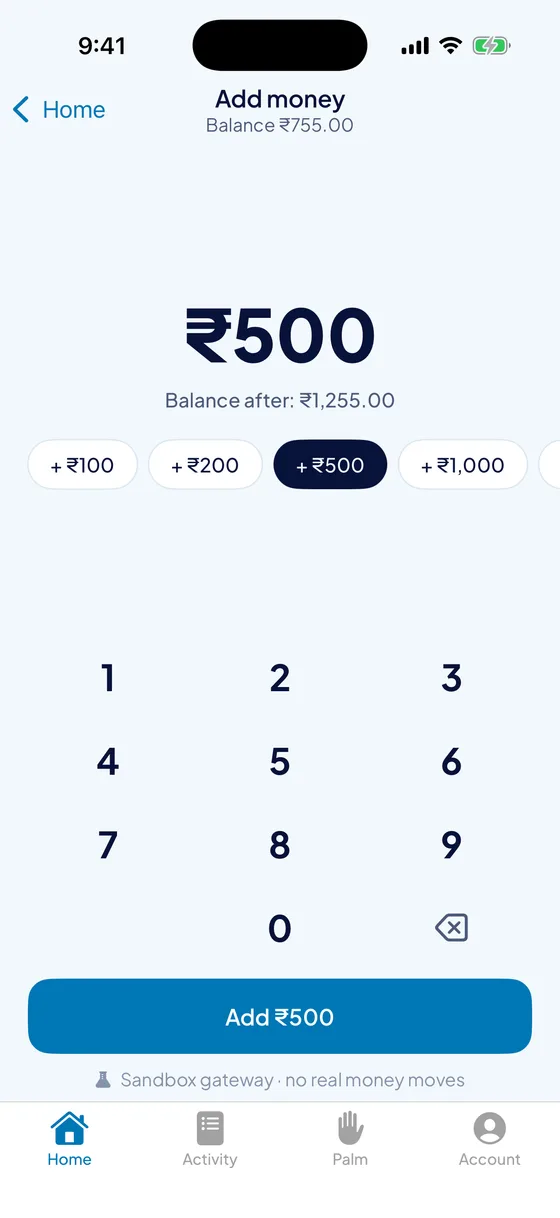
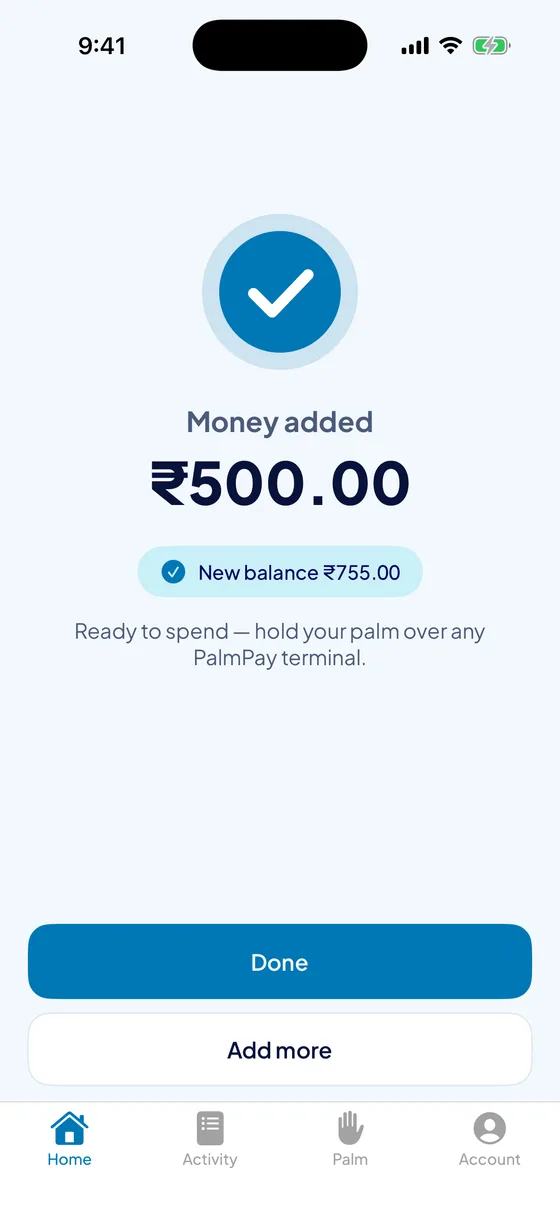
Built to feel like the payments apps people already trust: the balance first, one tap to add money, everything else a tab away. For Android, with iPhone on the way.
- Add money in seconds with UPI or a card, through Razorpay Checkout.
- Every payment, live. Search by shop, filter by kind, and open any receipt with its running balance.
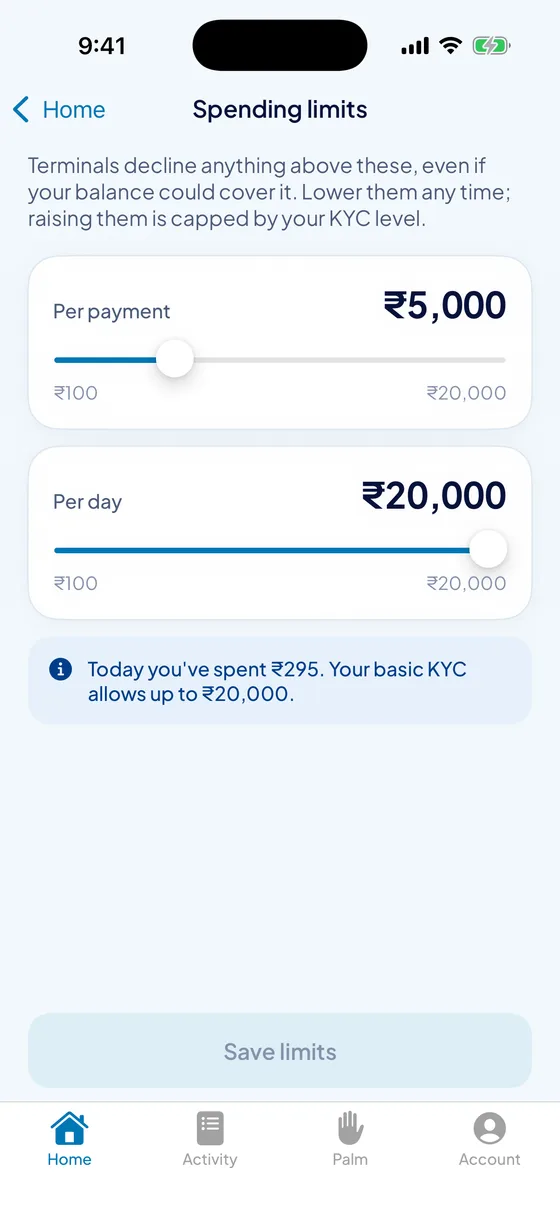
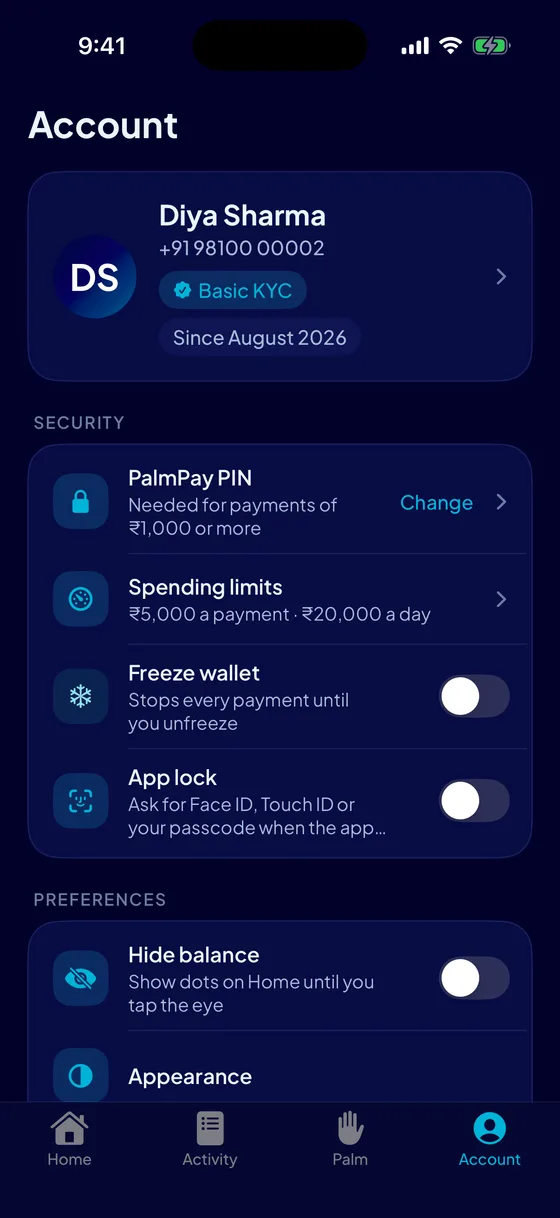
- Limits you set for each payment and each day, and a PIN for anything of ₹1,000 or more.
- One switch turns your palm off at every terminal at once. Freeze the whole wallet just as fast.
- App lock with your phone's fingerprint or Face ID, dark mode, and a statement as a spreadsheet.
A faster counter, and the numbers to run it.
A palm terminal at the till, a dashboard in the browser, and the PalmPay Merchant app on your phone. Apply online; approval sends your terminal pairing codes.
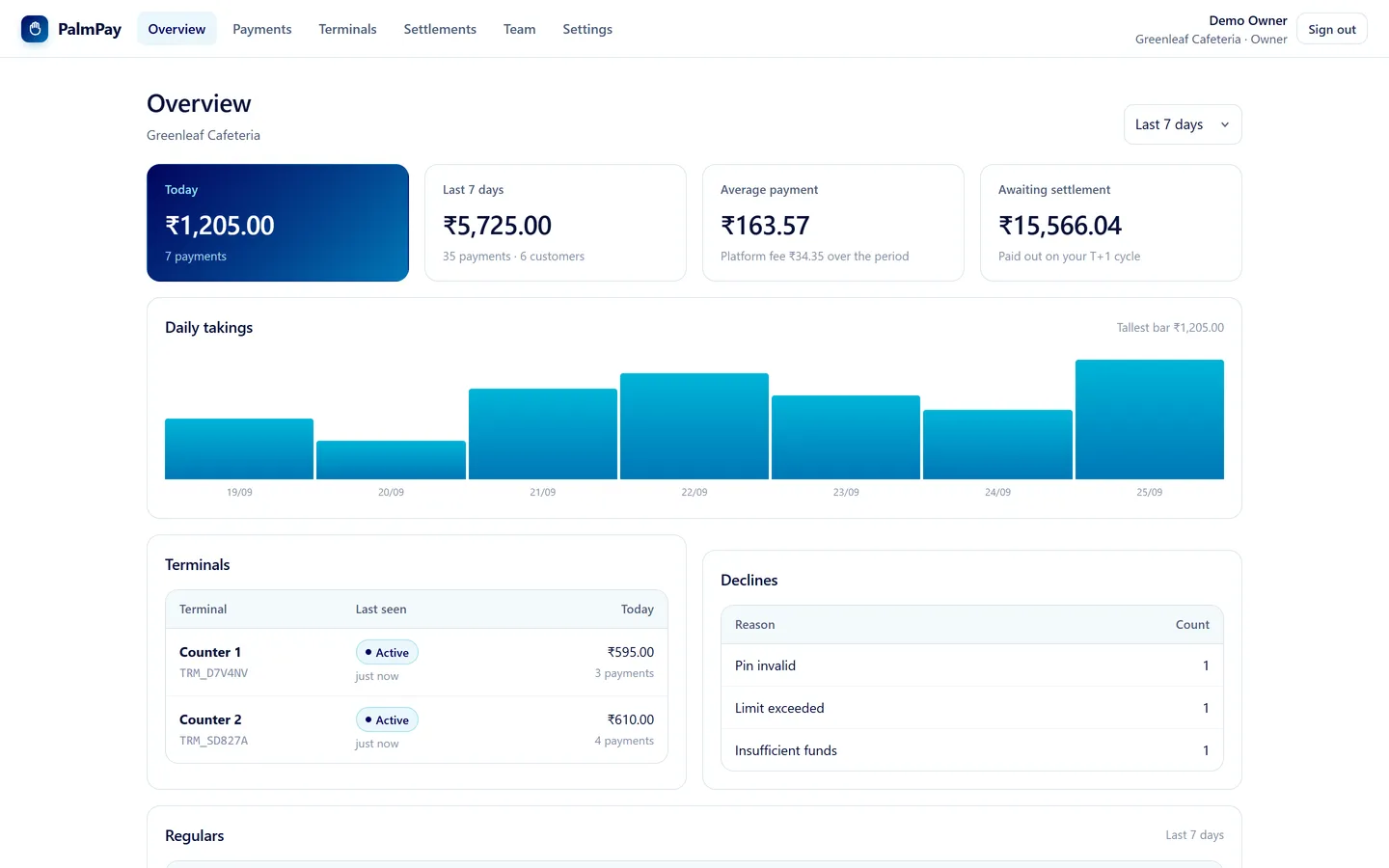
Takings at a glance
Today and the last week or month, the average payment, your regulars, and each counter's day.
Refunds in one tap
Owners and managers refund a payment straight back to the customer's wallet, with a reason on record.
Terminals you control
Add a counter and get a six-character pairing code. Revoke a lost terminal and its key is destroyed at once.
Settlements to your bank
See what's owed to you, request a settlement, and track every payout to its bank reference.
Your team, your rules
Owner, manager and cashier logins, each allowed exactly what their role needs.
The shop in your pocket
The PalmPay Merchant app: takings, payments, refunds, terminals and settlements from anywhere.
Built for the counter.
A 5-inch handheld with a palm-vein sensor. It reads both the visible and the infrared pattern of your palm, and matches it on the device, so the scan feels instant.
- Sized for thumbs. One amount on screen, a keypad that fills the height, everything else behind one menu button.
- Two customers too alike? It asks for a second scan rather than guess.
- Internet down? It holds the payment and sends it when the network is back. It can't charge anyone twice.
- Enrol, check a balance, refund. A customer holds out a palm and sees their balance; nothing is typed.
The terminal matches. The server decides.
A terminal holds palm templates so the scan feels instant, and is trusted with nothing after that. Every limit, balance check, duplicate check and PIN step is decided again on the server.
Consent before any palm
A palm is linked only with the wallet holder's say-so: a code from their app, or their PIN keyed at the counter. Wrong guesses lock out fast.
Off, everywhere, instantly
Turn palm pay off in the app and every terminal drops your palm on its next sync, within seconds. No support ticket.
A PIN for big payments
Charges of ₹1,000 or more need the customer's PIN, and each wallet has its own per-payment and daily limits.
Books that prove themselves
Money is whole paise on a double-entry ledger. Every entry is hash-chained to the one before, so an edit anywhere shows.
Never charged twice
Every charge carries a one-time key. A retry, a replay or an offline payment sent again is recognised and never charged a second time.
One palm, one wallet
Before a palm is saved, it's checked against every other customer's. A palm that already belongs to someone is turned away.
Runs on one PC. Looks after itself.
The whole platform runs on one ordinary computer on your network, installed with one app, with no Docker and no database server. Online through a secure tunnel, with no ports opened on the router.
- Starts with the PC and restarts itself if it ever stops, with a watchdog for hangs.
- Nightly backups taken while payments carry on, with an optional second copy on another drive.
- Alerts on your phone for a terminal gone quiet, a failed backup or a lost internet link, plus a summary of the day.
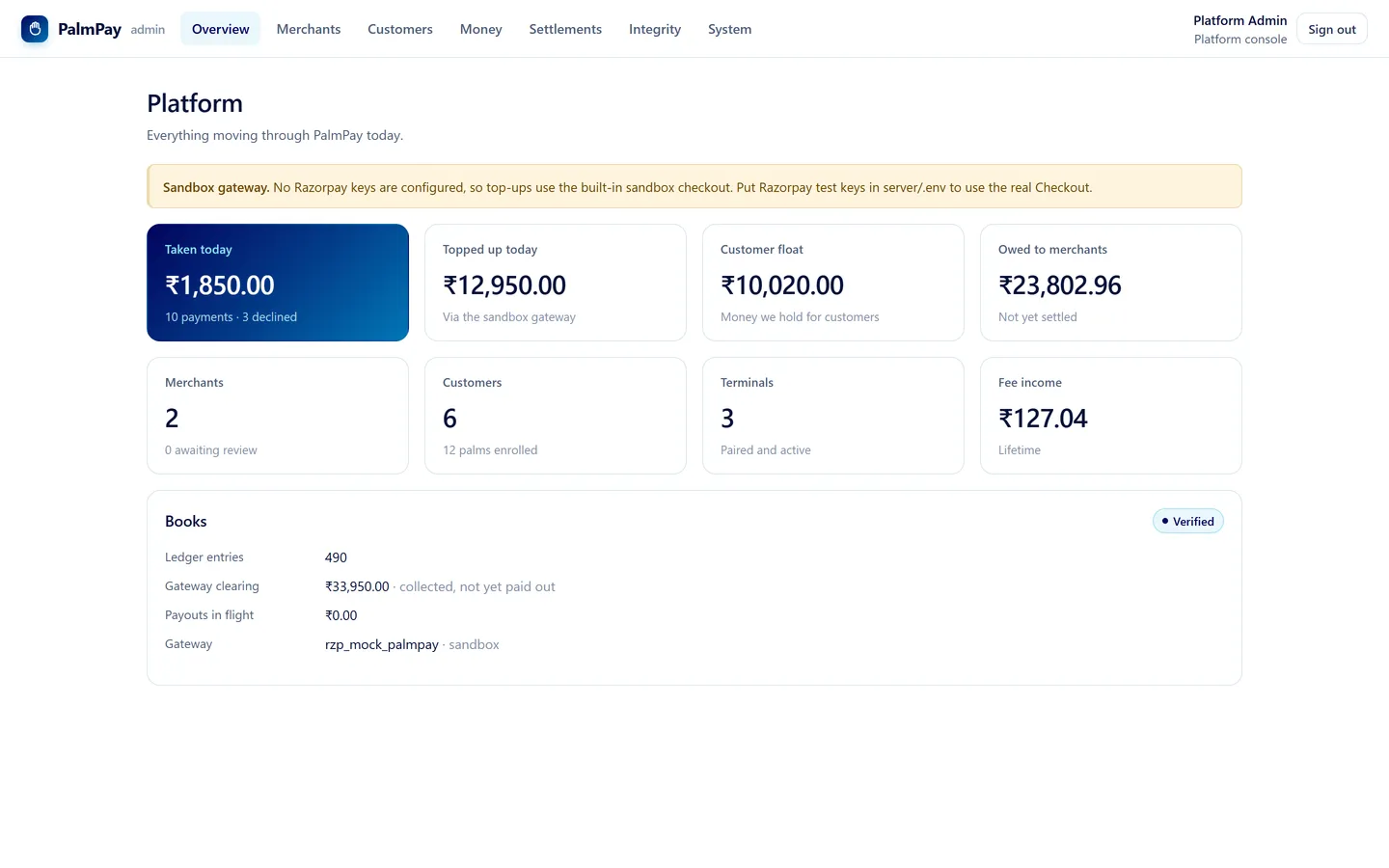
- PalmPay Admin, the operator's app: approve merchants, watch the money, and restart or back up the server from anywhere.
- Upgrades that can't take payments down: the new version is prepared beside the old one, and the old one comes back if anything goes wrong.
Wherever you are at the counter.
Paying
Get the wallet app, add money, and link your palm at the next PalmPay counter you visit.
Get the walletSelling
Apply with your business details and bank account. Once approved, pair your terminals and start taking palms.
Apply as a merchantRunning a campus
Host PalmPay for your canteens and shops on your own PC, with your own merchants and your own rules.
Operator toolsGood to know
What does the terminal actually read?
The pattern of veins under the skin of your palm, in infrared, together with the visible palm print. It's a pattern that sits inside your hand, not something left on the surface of the terminal.
Do I have to enrol at every shop?
No. A palm is enrolled once, at any PalmPay counter, and stored on the platform. Every terminal on the network picks it up within seconds, and a replaced terminal simply downloads every palm again.
What if someone tries to link their palm to my wallet?
They can't without you. Linking a palm needs a code from your app, or your PalmPay PIN keyed at the counter. Five wrong PINs close that route for your wallet for an hour, and wrong codes lock a terminal out after ten tries.
What if I lose my phone?
Your palm still pays; it doesn't need your phone. To stop anything being spent, sign in on another phone and freeze the wallet or switch palm pay off. It takes effect at every terminal within seconds.
What happens if the internet goes down at the counter?
On the shop's own network, payments carry on. A terminal that can't reach the platform holds the payment and sends it when the connection is back. Every payment carries a one-time key, so it can't be charged twice.
How does money get into my wallet?
Through Razorpay: UPI or a card, from the app. The platform confirms each payment with Razorpay itself before crediting it, so a top-up is never credited on the app's word alone.
How do shops get paid?
Every payment is recorded as owed to the shop, less the platform fee agreed with that shop. Shops see the running total in their dashboard and are settled to their bank account, with the bank reference on every payout.
Leave your wallet at home.
Your hand is already with you. Get the app and link your palm at the next PalmPay counter.